Move Your Business To The Cloud

Cloud Migration

Migrating your data to the cloud is a cost-efficient way to access critical applications and data whenever you need to, from whatever device you use, wherever you are.

Optimise your business with the Cloud and rest assured that your data is not only accessible to you at any time, but that it is kept safe and secure. Learn more about Cloud Migration below.

What is Cloud Computing?

Cloud Computing is defined by the use of hardware and software resources made available via a digital network such as the internet. It offers the end-user the use of vast resources such as networks, applications or data storage as an on-demand access service.

Imagine having a virtual office that you can access anytime and anywhere, as long as you have an internet connection. This is what cloud computing makes possible. Whether you’re at home, travelling, or in the office, you can seamlessly access your files, use powerful applications, and collaborate with team members without being tied to a specific location or device.

What is Microsoft 365?

We recommend Microsoft 365 as the Cloud solution for businesses. Learn more about what Microsoft 365 can do for your business.

Optimise your business

Contact us for more information on how we can optimise your business by moving to the Cloud.
Moving to the cloud offers many benefits to businesses

Benefits of Migrating to the Cloud

  • Reduce CostMoving to the cloud can reduce costs by lowering the amount of hardware your organisation needs to buy and maintain. With cloud services, you pay for what you use on a subscription, tailored to your needs.
  • FlexibilityAvailing of a cloud-based service provides your business with the flexibility to grow as your business grows. If the need arises to scale up – or down – this can be easily accomplished at the click of a button.
  • CollaborateIt provides your team with the facility to collaborate on documents together – at the same time and on any device. Collaboration on projects has never been easier!
  • AccessIt gives access to a wide range of applications which can be integrated into your system easily, updating themselves and making it a cost effective way to maintain, use and upgrade.
  • Storage CapacityStoring and accessing data in the Cloud is fast and secure, allowing backup and restore of files and eliminating worries about storage capacity.
  • SecurityApplications can be securely accessed from any computer or device in the world via internet connection.
  • VirtualisationMove physical servers, software and databases to scalable, cost-effective virtual machines (VMs) on the Microsoft Azure platform.

Examples of cloud services for small to medium-sized businesses:

  • Microsoft 365 for business email, calendars and the Office apps you already know.

  • OneDrive for Business to store, share and sync your files from any device.

  • SharePoint to replace shared drives on an office server, with secure access from anywhere.

  • Microsoft Teams for chat and video meetings and, with Teams Phone, your business phone system.
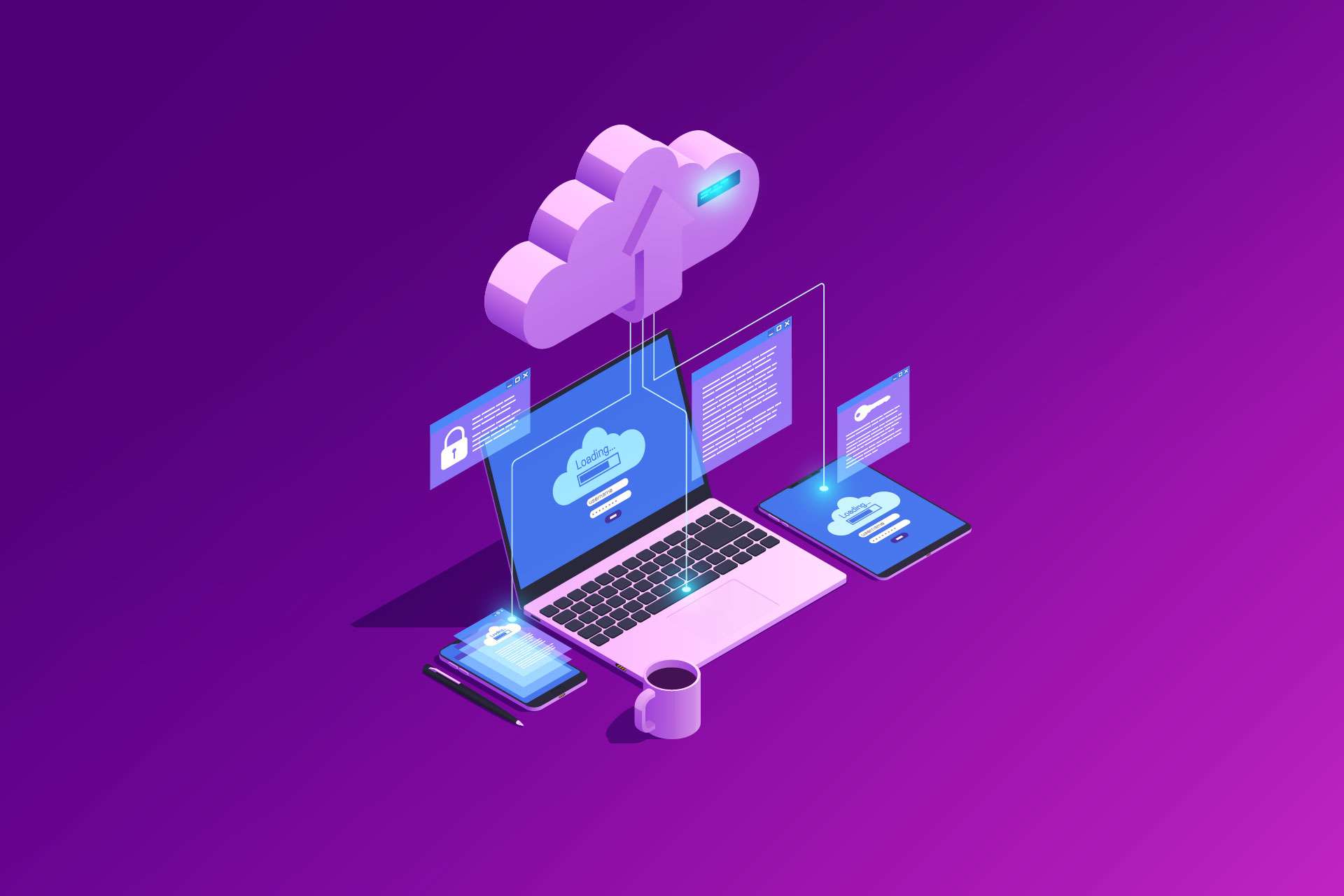
Cloud Migration is shown in a graphic of multiple laptop and tablets connected to the cloud.

Why Choose Our Cloud Migration Services?

Migrating to the cloud can seem daunting, but our expert team is here to make the transition smooth and hassle-free. We offer:
  • Comprehensive Assessment: We’ll evaluate your current IT infrastructure and identify the best cloud solutions tailored to your business needs.
  • Seamless Transition: Our experienced team will manage every step of the migration process, ensuring minimal disruption to your operations.
  • Ongoing Support: We provide continuous support and monitoring to ensure your cloud environment remains optimised and secure through our Managed IT Services.

Embrace the future of computing with our cloud migration services and unlock the full potential of your business. Experience unparalleled flexibility, cost savings, and efficiency today.

Frequently Asked Questions

Which cloud platforms do you migrate to?

We migrate businesses to the Microsoft cloud: Microsoft 365 (including email, OneDrive, SharePoint and Teams) and Microsoft Azure for servers and applications.

Can you migrate our existing email?

Yes. We set up your Microsoft 365 account, users and mailboxes and move your existing email, calendars and contacts across.

How long does a cloud migration take?

It depends on the number of users, how much data you have and where it is stored now. After an initial assessment we agree a plan and timeline with you before any work starts.

Will our team be disrupted during the migration?

We plan each migration to keep disruption to a minimum, and we tell you in advance about anything your team will notice, such as signing in on a new device.

Do you support us after the migration?

Yes. Ongoing support is available through our Managed IT Services or a Bluescope Direct Support block of hours.

Bluescope Technologies logo for GDPR

Privacy Overview

We consider the privacy and protection of our users' personal data to be of utmost importance. Read our Privacy Policy for more information.